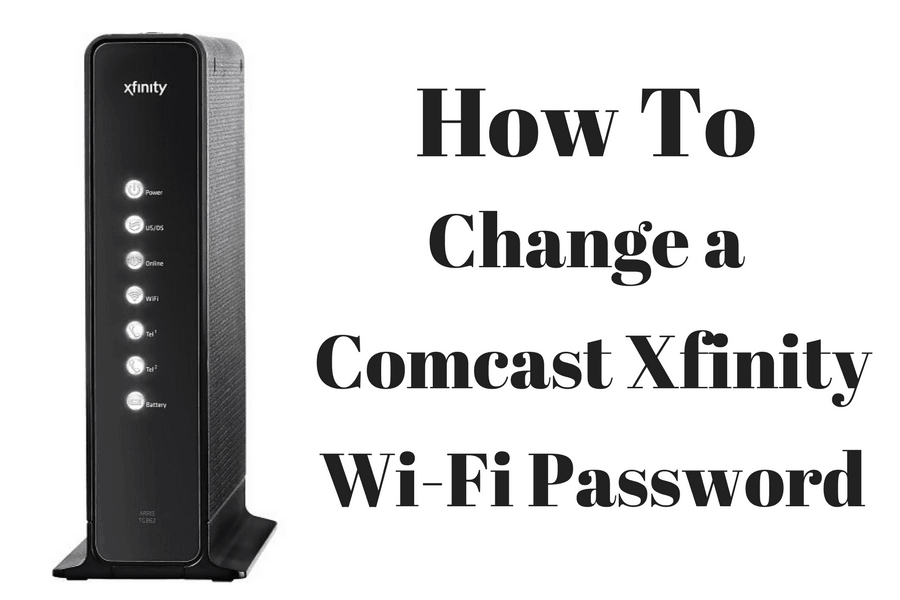
To change your Xfinity WiFi password, you can follow these steps:
-
Log in to your Xfinity account by going to www.xfinity.com and clicking on the "Sign In" button at the top right corner of the page.
-
Enter your Xfinity username and password, and click "Sign In".
-
Click on the "Internet" tab at the top of the page.
-
Scroll down to the "WiFi" section and select "Edit" next to "WiFi Network Name & Password".
-
Enter your new WiFi network name and password in the appropriate fields.
-
Click "Save" to save your changes.
-
Your Xfinity gateway will automatically restart and apply the new settings. This may take a few minutes.
Note that you may need to update the password on all of your devices that were previously connected to the Xfinity WiFi network using the old password.
If you have any issues changing your Xfinity WiFi password, you can contact Xfinity customer support for assistance.