
If I had to choose just one free SEO tool, it would be Google Search Console (GSC).
Not because it's popular, but because the data comes directly from Google itself.
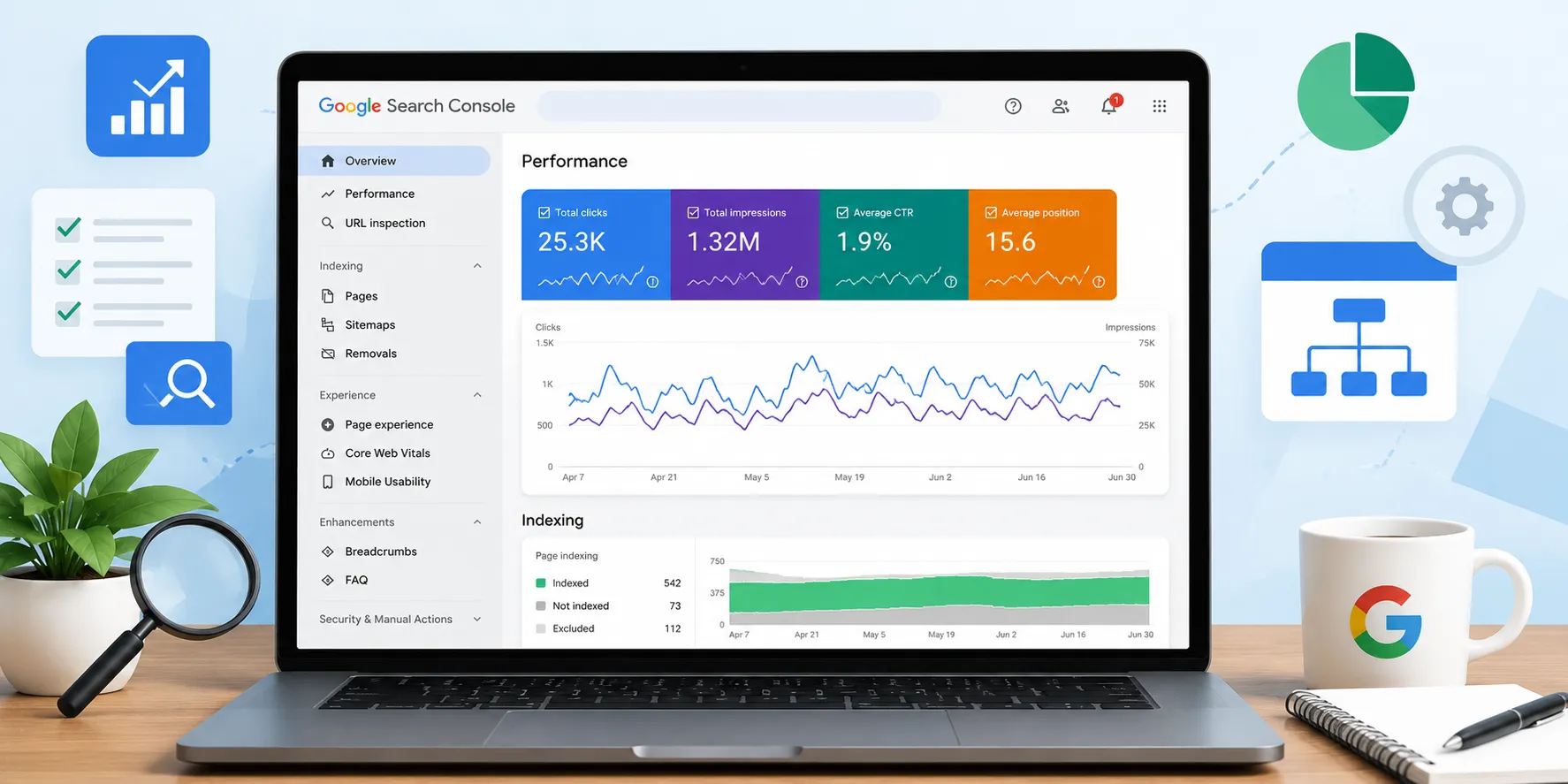
Google Search Console tells you exactly how Google sees your website. It shows which pages are getting impressions, which keywords people are finding you for, your click-through rate (CTR), average ranking position, indexing status, Core Web Vitals, sitemap health, crawl issues, and much more. Unlike third-party SEO tools, you're looking at first-party search performance data.
Having worked on freelance SEO projects, one thing became obvious very quickly: if you don't know how to use Search Console, you're missing one of the biggest advantages in SEO. Every meaningful SEO decision should start with Search Console because it tells you what is actually happening instead of what you think is happening.
Prerequisites
Before you start auditing your website, make sure these basics are complete.
1. Verify Your Website
Add your website as a Domain Property whenever possible because it covers all subdomains and protocols.
2. Submit Your XML Sitemap
Go to:
Indexing → Sitemaps
Submit:
https://yourdomain.com/sitemap.xml
A sitemap helps Google discover your important pages more efficiently.
3. Let Data Accumulate
Search Console doesn't show historical data from before verification.
Ideally, allow at least a few weeks of data before performing a complete SEO audit.
Step-by-Step Workflow
Whenever I audit a website, I almost always follow the same sequence.
Step 1: Open the Performance Report
This is where I spend the majority of my time.
Check these metrics:
-
Total Clicks
-
Total Impressions
-
Average CTR
-
Average Position
These four numbers immediately tell you whether your SEO is moving in the right direction.
Step 2: Analyze Search Queries
Click the Queries tab.
Ask questions like:
-
Which keywords already rank?
-
Which keywords receive impressions but very few clicks?
-
Which keywords rank on Page 2 (positions 11–20)?
-
Which queries are steadily growing?
One of my favorite strategies is filtering for keywords ranking between positions 8 and 20. Those pages often require only small improvements in content, internal linking, or metadata to move onto Page 1.
Step 3: Analyze Pages
Switch to the Pages tab.
Look for pages that:
-
Receive high impressions but low CTR.
-
Have declining clicks.
-
Lost rankings recently.
-
Rank for unexpected keywords.
This tells you exactly which pages deserve your attention first.
Step 4: Inspect Individual URLs
Use the URL Inspection Tool.
Verify:
-
Is the page indexed?
-
Was it crawled recently?
-
Is Google seeing the latest version?
-
Can you request indexing?
Whenever I update an important article, this is one of the first places I visit.
Step 5: Review Indexing
Open:
Indexing → Pages
Look for:
-
Crawled – currently not indexed
-
Discovered – currently not indexed
-
Soft 404s
-
Duplicate pages
-
Redirect issues
If Google isn't indexing your pages, rankings become impossible regardless of how good the content is.
Step 6: Check Core Web Vitals
Review:
-
Largest Contentful Paint (LCP)
-
Interaction to Next Paint (INP)
-
Cumulative Layout Shift (CLS)
These reports highlight user experience issues that may affect search performance over time.
Step 7: Monitor Sitemaps
Confirm that:
-
Sitemap submitted successfully.
-
Google processed it.
-
New pages are included.
-
No parsing errors exist.
A healthy sitemap helps Google crawl your site more efficiently.
Key Reports & Metrics
These are the reports I personally check on almost every project.
| Report | Why It Matters |
|---|---|
| Performance | Clicks, impressions, CTR, ranking positions |
| Queries | Find keyword opportunities |
| Pages | Identify high-potential content |
| URL Inspection | Verify indexing status |
| Page Indexing | Detect crawl and indexing issues |
| Sitemaps | Ensure Google discovers important pages |
| Core Web Vitals | Improve page experience |
| Links | Review internal and external linking |
One thing many beginners overlook is filters.
Search Console lets you filter by:
-
Country
-
Device
-
Search type
-
Date
-
Query
-
Page
These filters often reveal insights that aren't obvious in the default view.
Common Issues
Some of the most common SEO problems I find through Search Console include:
High Impressions, Low CTR
Usually indicates:
-
Weak title tag
-
Unattractive meta description
-
Search intent mismatch
Good Rankings but Few Clicks
Often caused by stronger competitors with more compelling search snippets.
Crawled but Not Indexed
Usually means Google doesn't consider the page valuable enough yet.
Improving originality, depth, and internal linking often helps.
Sudden Traffic Drop
Before blaming a Google update, always check:
-
Indexing issues
-
Manual actions
-
Technical errors
-
Crawl problems
Search Console usually provides clues before anything else.
Prioritization Checklist
Whenever I audit a website, this is the order I follow.
✅ Verify ownership
✅ Submit sitemap
✅ Review Performance report
✅ Analyze Queries
✅ Analyze Pages
✅ Check CTR opportunities
✅ Inspect important URLs
✅ Fix indexing issues
✅ Review Core Web Vitals
✅ Request indexing after important updates
This workflow prevents random SEO work and keeps the audit focused on changes that can actually improve visibility.
Common Mistakes
Looking Only at Rankings
SEO isn't just about position.
Also monitor:
-
Impressions
-
CTR
-
Click growth
-
Index coverage
Ignoring Low-CTR Pages
Improving a title tag can sometimes generate more traffic without changing rankings.
Checking Data Every Day
Daily fluctuations are normal.
SEO trends become much clearer when you compare 28-day or 3-month periods rather than individual days.
Treating Search Console as a Reporting Tool Only
This is probably the biggest mistake.
Search Console isn't just for monitoring.
It's where you discover opportunities, prioritize content updates, identify technical issues, and measure the impact of every SEO change.
Frequently Asked Questions (FAQs)
1. Is Google Search Console free?
Yes. Google Search Console is completely free and available to anyone who owns or manages a website.
2. Can I perform a complete SEO audit using only Search Console?
You can perform a large portion of a technical and performance audit with Search Console. Many professionals combine it with tools like Google Analytics, PageSpeed Insights, or third-party SEO platforms for deeper analysis.
3. How often should I check Search Console?
For active websites, reviewing key reports at least once a week is a good practice. High-traffic sites often monitor it daily for significant changes.
4. Which report is the most important?
The Performance report is usually the starting point because it shows impressions, clicks, CTR, and average position—the core metrics for measuring organic search success.
5. Can Search Console help improve AI Overviews and AI search visibility?
Indirectly, yes. Search Console helps you identify the pages and queries that already perform well, uncover indexing issues, and optimize content quality. Google has also begun introducing dedicated reporting for AI search experiences within Search Console, reflecting the growing importance of AI-driven search visibility.
Google Search Console SEO Audit at a Glance
| Audit Area | What to Check | Priority |
|---|---|---|
| Performance Report | Clicks, Impressions, CTR, Position | ⭐⭐⭐⭐⭐ |
| Search Queries | Ranking opportunities & keyword growth | ⭐⭐⭐⭐⭐ |
| Pages Report | High-impression, low-CTR pages | ⭐⭐⭐⭐ |
| URL Inspection | Indexing status & live URL check | ⭐⭐⭐⭐ |
| Page Indexing | Crawl errors & excluded pages | ⭐⭐⭐⭐⭐ |
| Sitemaps | Successful submission & coverage | ⭐⭐⭐⭐ |
| Core Web Vitals | LCP, INP, CLS performance | ⭐⭐⭐⭐ |
| Links Report | Internal & external link profile | ⭐⭐⭐ |
Must Read:How to Fix Error 404 Issues in Google Search Console?