If you have ever wondered whether 1 GB is equal to 1024 MB or 1000 MB, you are not alone. The confusion exists because digital storage can be described using two different measurement systems: decimal and binary.
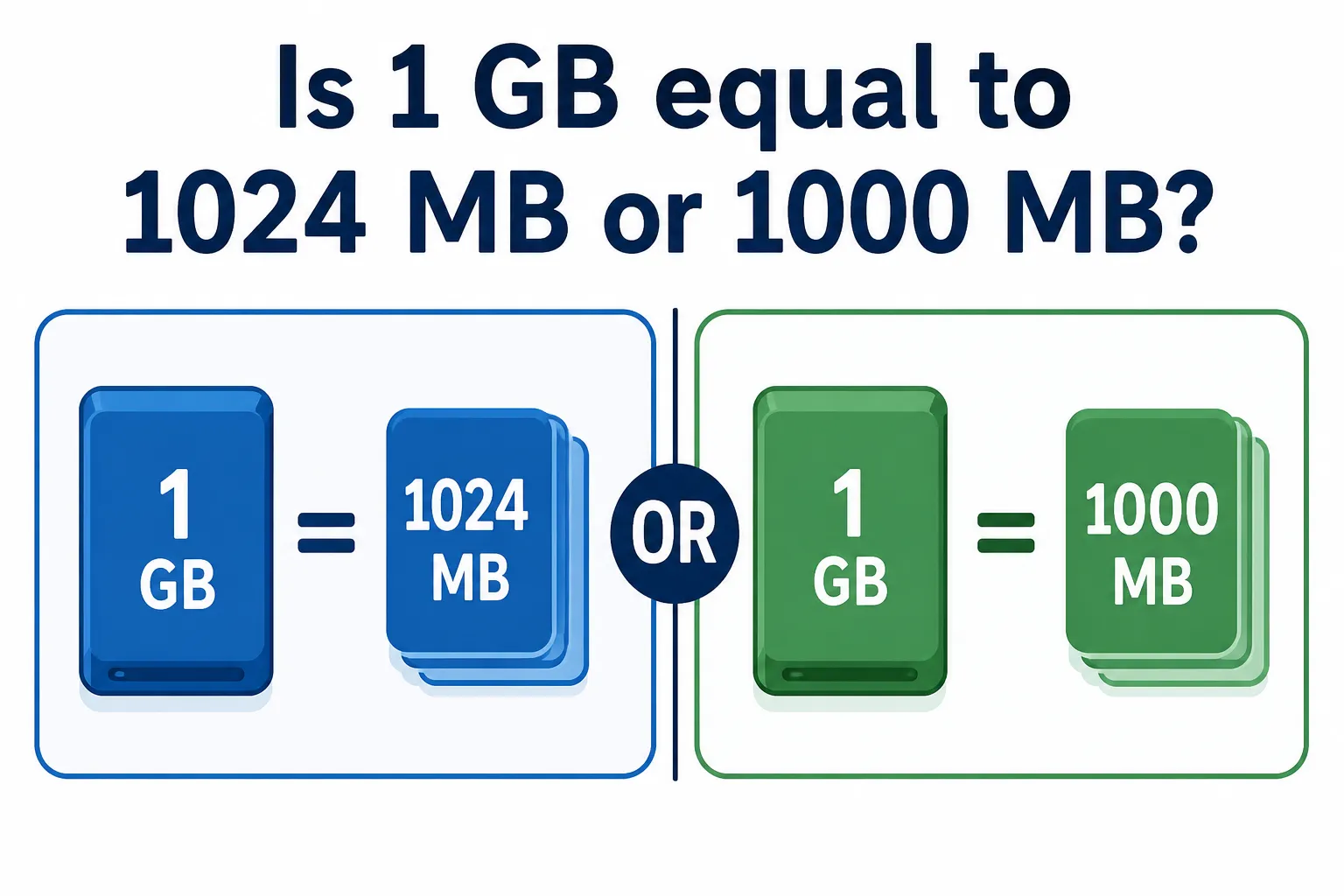
The simple answer is that 1 GB = 1000 MB according to the decimal system used by the International System of Units (SI). However, in binary measurement, 1 GiB = 1024 MiB. Historically, people often used GB and MB informally when referring to binary values, which is why you may still see 1024 MB in a GB mentioned online.
Understanding this difference can be useful when comparing computer storage, file sizes, memory, hard drives, SSDs, smartphones and other digital devices.
Why Do People Say 1 GB = 1024 MB?
Computers work with binary numbers, which are based on powers of two. Because of this, traditional computing terminology commonly associated 1024 megabytes with one gigabyte.
However, modern standards make a clearer distinction between decimal and binary units.
In decimal measurement:
1 GB = 1000 MB
In binary measurement:
1 GiB = 1024 MiB
Here, GiB stands for gibibyte and MiB stands for mebibyte.
This distinction explains why the common question about 1024 MB in a GB does not always have the answer people expect. If GB and MB are being used according to their standard decimal definitions, there are 1000 MB in one GB, not 1024 MB.
If binary units are intended, the correct terminology is 1024 MiB in one GiB.
1024 MB to GB: What Is the Conversion?
If you want to convert 1024 MB to GB, you need to know which measurement system you are using.
Under the decimal system, one gigabyte contains 1000 megabytes. Therefore:
1024 MB ÷ 1000 = 1.024 GB
So, 1024 MB to GB = 1.024 GB when using decimal units.
This is an important detail because people sometimes assume that 1024 MB automatically equals exactly 1 GB. That assumption comes from older or informal binary usage.
Technically, the binary equivalent should be expressed using MiB and GiB:
1024 MiB = 1 GiB
Therefore, if you see 1024 MB in a GB, check whether the source is using GB informally for binary storage or following the modern decimal definition.
How Many MB in a GB?
A common question when dealing with digital storage is how many MB in a GB?
Using the standard decimal definition:
1 GB = 1000 MB
This decimal system is widely used when manufacturers describe storage capacity. For example, hard drives, SSDs, USB drives, memory cards and other storage products are commonly marketed using decimal gigabytes and terabytes.
The binary system works differently:
1 GiB = 1024 MiB
This difference may seem small when dealing with one gigabyte, but it becomes more noticeable as storage capacity increases.
Knowing how many MB in a GB can therefore help you understand storage specifications and avoid confusion when comparing the capacity displayed by different devices, operating systems or applications.
Why Is There a Difference Between 1000 MB and 1024 MB?
The difference exists because decimal and binary systems calculate units differently.
The decimal system is based on powers of 10. It uses conversions such as:
1 KB = 1000 bytes
1 MB = 1000 KB
1 GB = 1000 MB
Binary measurement is based on powers of two. Binary-specific units use conversions such as:
1 KiB = 1024 bytes
1 MiB = 1024 KiB
1 GiB = 1024 MiB
The names kibibyte (KiB), mebibyte (MiB) and gibibyte (GiB) were introduced to make the distinction clearer.
As a result, saying 1024 MB in a GB can create ambiguity. A more precise statement is that 1000 MB equals 1 GB, while 1024 MiB equals 1 GiB.
GB vs GiB: What Is the Difference?
GB and GiB may look similar, but they represent different quantities.
A gigabyte (GB) uses decimal measurement:
1 GB = 1,000,000,000 bytes
A gibibyte (GiB) uses binary measurement:
1 GiB = 1,073,741,824 bytes
Because a GiB contains more bytes than a GB, the two units should not technically be treated as identical.
This distinction is especially useful when reading storage specifications. A manufacturer may advertise storage using GB, while some software may display capacity using binary calculations. This can make the displayed capacity appear different even though storage has not actually disappeared.
Is KB Bigger Than MB?
Another common storage-related question is is KB bigger than MB?
No. A kilobyte (KB) is smaller than a megabyte (MB).
In decimal units:
1 MB = 1000 KB
Similarly:
1 GB = 1000 MB
Therefore, the general order from smaller to larger units is:
Byte → KB → MB → GB → TB
In binary terminology, the equivalent progression is:
Byte → KiB → MiB → GiB → TiB
So, if you are asking is KB bigger than MB, remember that MB represents a larger amount of digital data than KB.
Why Does This Matter for Storage Devices?
Understanding the difference between 1000 and 1024 can be helpful when purchasing or comparing storage devices.
Manufacturers generally describe storage capacity using decimal units. This means that a device advertised in GB is typically based on 1 GB = 1000 MB.
Computers and software, however, may calculate or display storage differently depending on the system being used. As a result, the number shown by an operating system may not always look exactly like the capacity printed on the storage device.
This does not necessarily mean storage space is missing. In many cases, part of the difference comes from the way units are calculated and displayed, although formatting, system files and other factors can also affect available storage.
Frequently Asked Questions
Is 1 GB 1000 MB or 1024 MB?
According to the standard decimal definition, 1 GB = 1000 MB. In binary measurement, 1 GiB = 1024 MiB.
How much is 1024 MB to GB?
Using decimal conversion, 1024 MB to GB = 1.024 GB.
How many MB in a GB?
If you are asking how many MB in a GB, there are 1000 MB in 1 GB under the decimal system.
Why do some people say 1 GB equals 1024 MB?
This comes from traditional computing usage, where binary measurements were often described using MB and GB. Modern binary terminology uses MiB and GiB to avoid confusion.
Is KB bigger than MB?
No. If you are wondering is KB bigger than MB, MB is the larger unit. In decimal measurement, 1 MB = 1000 KB.
Final Word
The difference between 1000 MB and 1024 MB becomes simple once you separate decimal and binary measurement.
For standard decimal units, 1 GB = 1000 MB. Therefore, 1024 MB to GB equals 1.024 GB.
For binary units, 1 GiB = 1024 MiB. This is the origin of the commonly repeated idea of 1024 MB in a GB, even though MiB and GiB are the technically precise terms for that binary relationship.
So, when asking how many MB in a GB, the standard answer is 1000 MB. And if you are also wondering is KB bigger than MB, the answer is no: KB is smaller than MB.
Also Read: Can You Learn Python, HTML, CSS, and C++ in One Year?