
To change the mobile number linked to your FASTag account, you can follow these steps.
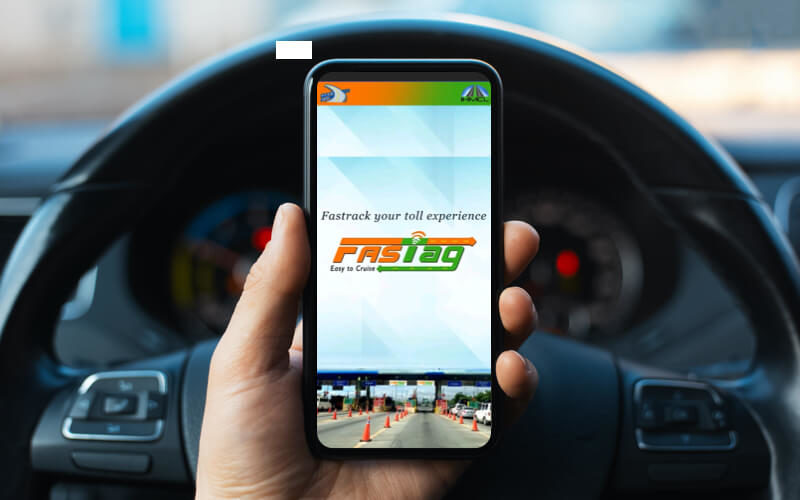
1. FASTag App Method:
- Download and install the FASTag app on your smartphone.
- Log in to your FASTag account using the mobile number linked to your bank account.
- Navigate to the profile section and select "Edit Profile."
- Update your phone number within the app to change the mobile number linked to your FASTag account.
2. Bank Website Method:
- Visit the official website of the bank that issued your FASTag.
- Log in to your online banking account using the mobile number linked to your bank account.
- Navigate to the FASTag section and select "Edit Profile."
- Update your phone number within the online banking portal to change the mobile number linked to your FASTag account.
3. FASTag Customer Care Method:
- Contact the FASTag customer care number (1800 120 4444) and request to update your mobile number.
- Provide your FASTag account details and the new mobile number you wish to update.
- The customer care executive will guide you through the process of updating your mobile number linked to your FASTag account.
Remember, having an updated mobile number associated with your FASTag account is crucial for receiving timely notifications about toll transactions and balance updates. By ensuring your mobile number is up-to-date, you can stay informed about all activities related to your FASTag account effectively.