

Playing on a low-end PC can be frustrating, but you can squeeze out a surprising amount of performance without spending much. Here's what actually works.
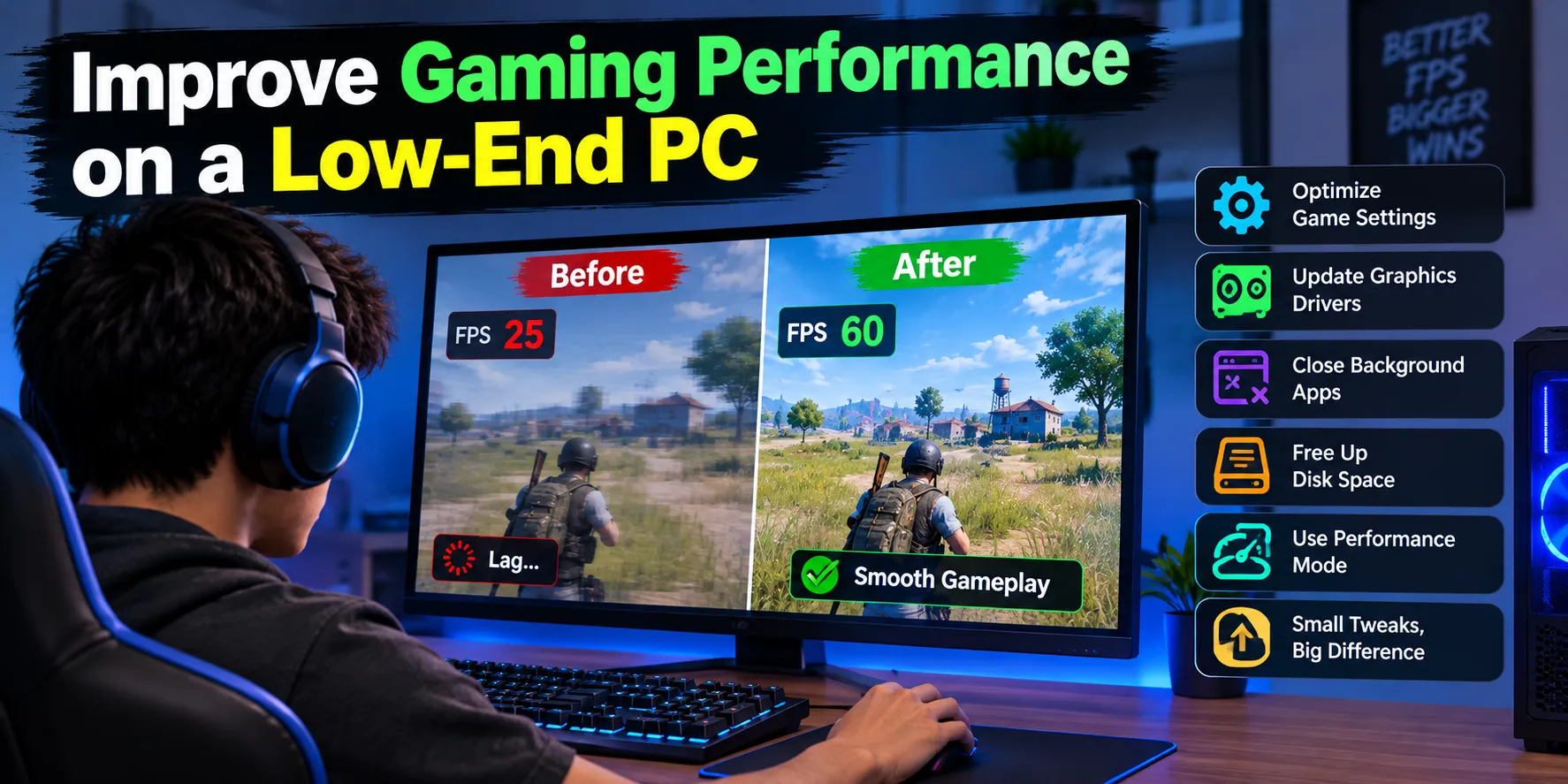
Start with the game settings
This is the fastest win. Lower the resolution (even 720p helps a lot), set textures to low or medium, and turn off shadows, anti-aliasing, motion blur and ambient occlusion. Many games also have a "render scale" slider, and setting it to 70 to 80 percent keeps the interface sharp while giving you extra FPS. Cap your FPS at something stable like 30 or 60, because a steady frame rate feels better than one that jumps around. Running in fullscreen instead of borderless windowed mode can also give a small boost.
Clean up what runs in the background
Low-end PCs usually have little RAM, so every background app matters. Open Task Manager (Ctrl + Shift + Esc), go to the Startup tab and disable anything you don't need. Before you play, close your browser, music apps and launchers. Turn off overlays you don't use, such as Xbox Game Bar, Discord, Steam and GeForce Experience, and disable background game recording, since it constantly uses resources while you play.
Update drivers, but stay realistic
Update your graphics driver from NVIDIA, AMD or Intel's website. On integrated graphics this can make a noticeable difference. If an update makes things worse on an older card, roll back to the previous version.
Adjust Windows for performance
Set your power plan to "High performance" and turn on Game Mode. Search for "Adjust the appearance and performance of Windows" and choose "Adjust for best performance" to turn off animations. Keep at least 15 to 20 percent of your storage free, since a nearly full drive slows everything down. If you only have 4 to 8 GB of RAM, setting a custom page file on your fastest drive can reduce stutters and crashes as a safety net.
Check your BIOS settings
If your RAM supports it, enable XMP/DOCP in the BIOS, because it may otherwise run below its rated speed. On integrated graphics, you can also increase the dedicated video memory (UMA frame buffer) if your motherboard allows it.
Upgrade the cheap things first
An SSD: Moving from a hard drive to an SSD cuts loading times and removes a lot of stuttering. Even a budget one makes the PC feel new.
More RAM: Going from 4 or 8 GB to 16 GB helps a lot. Use two matching sticks for dual-channel, especially with integrated graphics, because it can boost FPS noticeably.
A new graphics card is the most expensive fix, so leave it for last.
Keep it cool
Dust and heat make a PC slow itself down to protect the parts. Clean the fans and vents with compressed air and make sure the case has airflow. On a laptop, raise it up or use a cooling pad. If the machine is several years old, replacing the thermal paste can lower temperatures a lot.
Remove clutter and unwanted software
Adware and crypto miners can quietly eat CPU and GPU power. Run a scan with Windows Security or Malwarebytes and uninstall programs you no longer use. If your PC has been used for years and is full of clutter, a fresh Windows install can make a big difference. If you still use a hard drive, defragment it occasionally, but never defragment an SSD.
Use performance-friendly tools
AMD FSR and Intel XeSS work on many older GPUs and boost FPS with only a small loss in quality, so turn them on if the game offers them. Some games also have launch options or config tweaks, like -high in Steam for higher CPU priority, which Reddit communities often share for older machines.
Overclock carefully (optional)
If your GPU is decent but old, a mild overclock with MSI Afterburner can add a few frames. Only try it if you understand the risks, watch your temperatures, and increase settings in small steps.
Pick games that suit your PC
Plenty of great games run smoothly on weak hardware, including indie titles, older AAA games and competitive games like Valorant, CS2 or Fortnite in performance mode. Playing what your PC handles well is often more fun than forcing a heavy game to run at 20 FPS.
The short version
Lower your in-game settings, close background apps, update drivers, keep your PC cool, and consider a cheap SSD and extra RAM if you can afford them. You won't turn a low-end PC into a gaming rig, but these steps can make games far smoother and more enjoyable.