
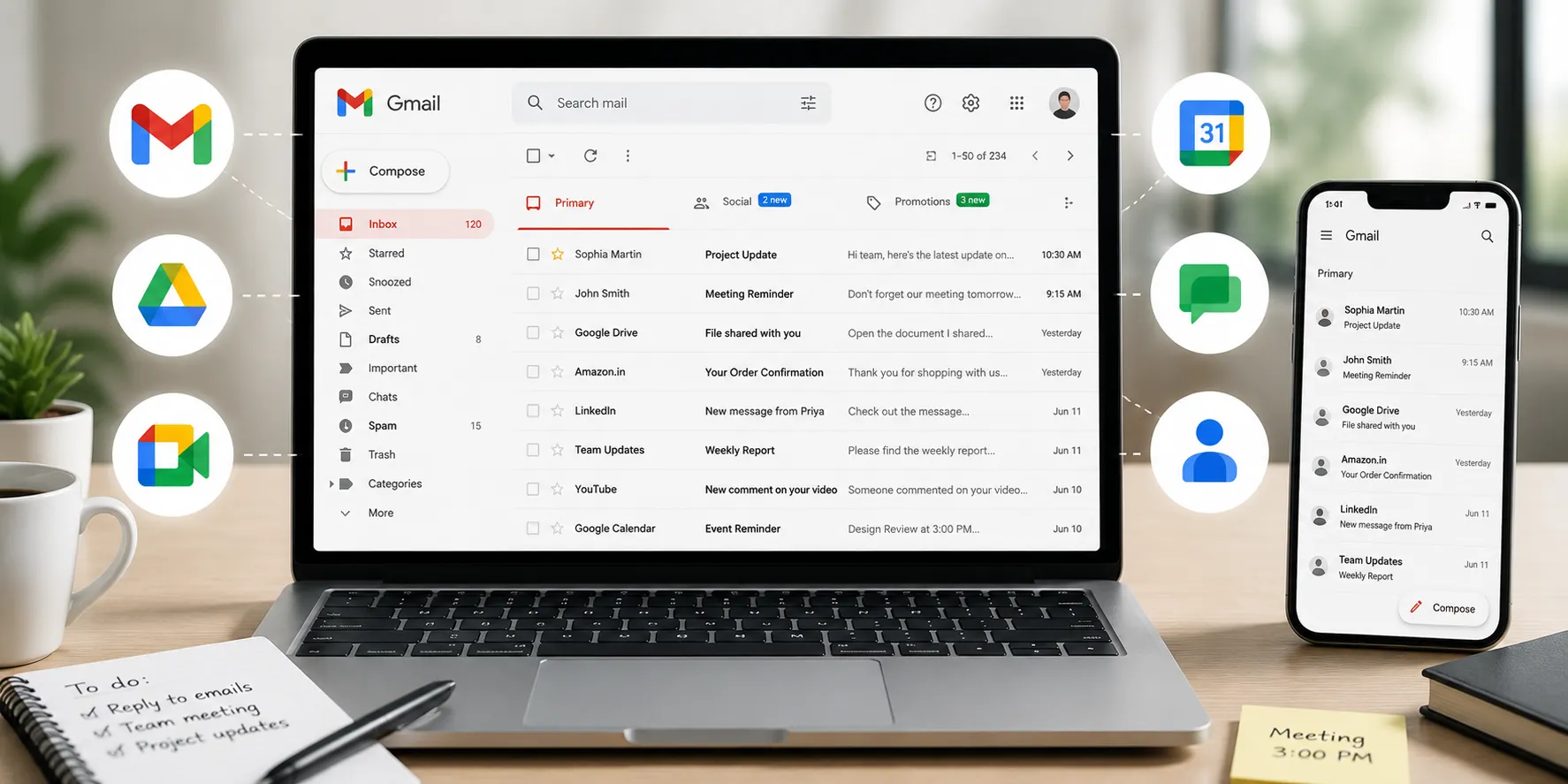
Gmail is Google's email service that allows users to send, receive, organize, search, and manage electronic mail (emails) over the internet. In addition to basic email communication, Gmail integrates with other Google services such as Google Drive, Google Calendar, Google Meet, Google Chat, and Google Contacts, making it a central communication and productivity platform for both personal and professional use.
Today, Gmail is used by individuals, businesses, educational institutions, governments, freelancers, and organizations worldwide. People use it not only to exchange emails but also to share files, schedule meetings, receive important notifications, collaborate on projects, verify online accounts, manage digital subscriptions, and communicate securely across devices. With built-in spam protection, powerful search capabilities, AI-powered writing and organization features, and seamless integration with the Google ecosystem, Gmail has become one of the world's most widely used email platforms.
Primary Uses
Gmail serves many purposes beyond sending emails.
| Primary Use | Description |
|---|---|
| Email Communication | Send and receive personal or business emails. |
| File Sharing | Share documents, images, videos, and other files through attachments or Google Drive links. |
| Professional Communication | Communicate with clients, colleagues, employers, and customers. |
| Account Verification | Register and verify accounts on websites, apps, and online services. |
| Notifications | Receive banking alerts, shopping updates, travel confirmations, and security notifications. |
| Collaboration | Work with Google Docs, Sheets, Slides, Meet, and Chat. |
| Meeting Management | Receive invitations and connect with Google Calendar and Google Meet. |
| Record Keeping | Store important conversations, receipts, invoices, and documents for future reference. |
Because email remains one of the primary forms of digital communication, Gmail is widely used across almost every industry.
Key Features
Gmail includes a wide range of features designed to improve communication, organization, and security.
-
Send and receive emails from anywhere with internet access.
-
Powerful search to quickly find emails and attachments.
-
Labels and filters for organizing messages.
-
Spam and phishing protection.
-
Conversation view that groups related emails together.
-
Multiple account support.
-
Scheduled Send for sending emails later.
-
Confidential Mode for sensitive communications.
-
Integration with Google Drive, Meet, Calendar, and Contacts.
-
AI-powered features such as Smart Compose, Suggested Replies, and Gemini-powered writing, search, and inbox assistance (availability depends on account type and region).
Common Applications
Gmail is used in many everyday situations.
| User | Common Application |
|---|---|
| Students | Communicating with teachers, submitting assignments, receiving school updates |
| Professionals | Business communication, interviews, client management |
| Businesses | Customer support, marketing, internal communication |
| Freelancers | Sending proposals, invoices, and project updates |
| Online Shoppers | Receiving order confirmations and shipping updates |
| Travelers | Flight bookings, hotel reservations, travel itineraries |
| Individuals | Personal communication, document storage, digital account management |
Because Gmail works across computers, smartphones, and tablets, users can stay connected wherever they are.
Benefits
Using Gmail offers several advantages.
-
Free personal email service with generous cloud storage shared across Google services.
-
Accessible from almost any internet-connected device.
-
Strong spam, phishing, and malware protection.
-
Fast and accurate email search.
-
Easy integration with the Google Workspace ecosystem.
-
Reliable synchronization across multiple devices.
-
Supports personal, educational, and business communication.
-
AI-powered productivity features help users write, organize, and manage emails more efficiently.
-
Regular security updates and account protection features.
Limitations
Although Gmail is highly versatile, it has some limitations.
-
Requires an internet connection for most features.
-
Free storage is shared across Gmail, Google Drive, and Google Photos.
-
Very large attachments usually need to be shared through Google Drive.
-
Some advanced AI and business features are available only with eligible Google Workspace plans.
-
Organizations may apply their own storage, security, or administrative policies to Workspace accounts.
Similar Tools
Although Gmail is one of the most popular email services, other platforms offer similar functionality.
| Email Service | Primary Strength |
|---|---|
| Gmail | Deep integration with Google Workspace, powerful search, AI features, and strong spam protection |
| Microsoft Outlook | Strong integration with Microsoft 365 and enterprise environments |
| Yahoo Mail | Large storage and traditional email features |
| Apple Mail | Best suited for users within the Apple ecosystem |
| Proton Mail | Focuses on end-to-end encryption and privacy |
The right email service depends on a user's workflow, ecosystem, and security requirements, but Gmail is widely recognized for combining communication, collaboration, and productivity tools in a single platform.
Common Misconceptions
"Gmail is only for sending emails."
No.
While email is its primary function, Gmail also helps users organize communications, collaborate through Google Workspace, schedule meetings, share files, verify online accounts, and manage important digital information.
"Gmail and Google Account are the same."
Not exactly.
A Google Account provides access to many Google services, including Gmail, Drive, YouTube, Calendar, and Photos. Gmail is one service available through a Google Account.
"Gmail is only for personal use."
Incorrect.
Millions of businesses, schools, nonprofits, and government organizations use Gmail through Google Workspace for professional communication and collaboration.
"Gmail automatically deletes all spam."
Not always.
Gmail's spam filters block the vast majority of unwanted emails, but users should still review messages carefully and avoid interacting with suspicious emails.
Frequently Asked Questions (FAQs)
1. What is Gmail mainly used for?
Gmail is primarily used to send, receive, organize, and manage emails, while also supporting file sharing, collaboration, scheduling, and account management through Google services.
2. Is Gmail free to use?
Yes.
Google offers Gmail as a free email service for personal users. Businesses can also use Gmail through paid Google Workspace plans that include additional administrative, security, and collaboration features.
3. Can Gmail be used for business?
Yes.
Businesses commonly use Gmail for professional communication, customer support, collaboration, scheduling, and document sharing through Google Workspace.
4. Is Gmail secure?
Gmail includes multiple security features such as spam filtering, phishing detection, encryption in transit, suspicious activity alerts, and account protection tools. Users can further improve security by enabling two-factor authentication.
5. Does Gmail work with other Google apps?
Yes.
Gmail integrates with Google Drive, Google Calendar, Google Meet, Google Chat, Google Contacts, and other Google Workspace applications, allowing users to manage communication and productivity from one ecosystem.
Gmail is much more than an email service; it's a comprehensive communication and productivity platform that helps people send emails, collaborate on projects, manage schedules, share files, and stay connected across devices. Its integration with the broader Google ecosystem, advanced search capabilities, built-in security, and AI-powered productivity features have made it an essential tool for individuals, students, professionals, and businesses alike. As digital communication continues to evolve, Gmail remains one of the most widely used and trusted email platforms for both personal and professional use.
