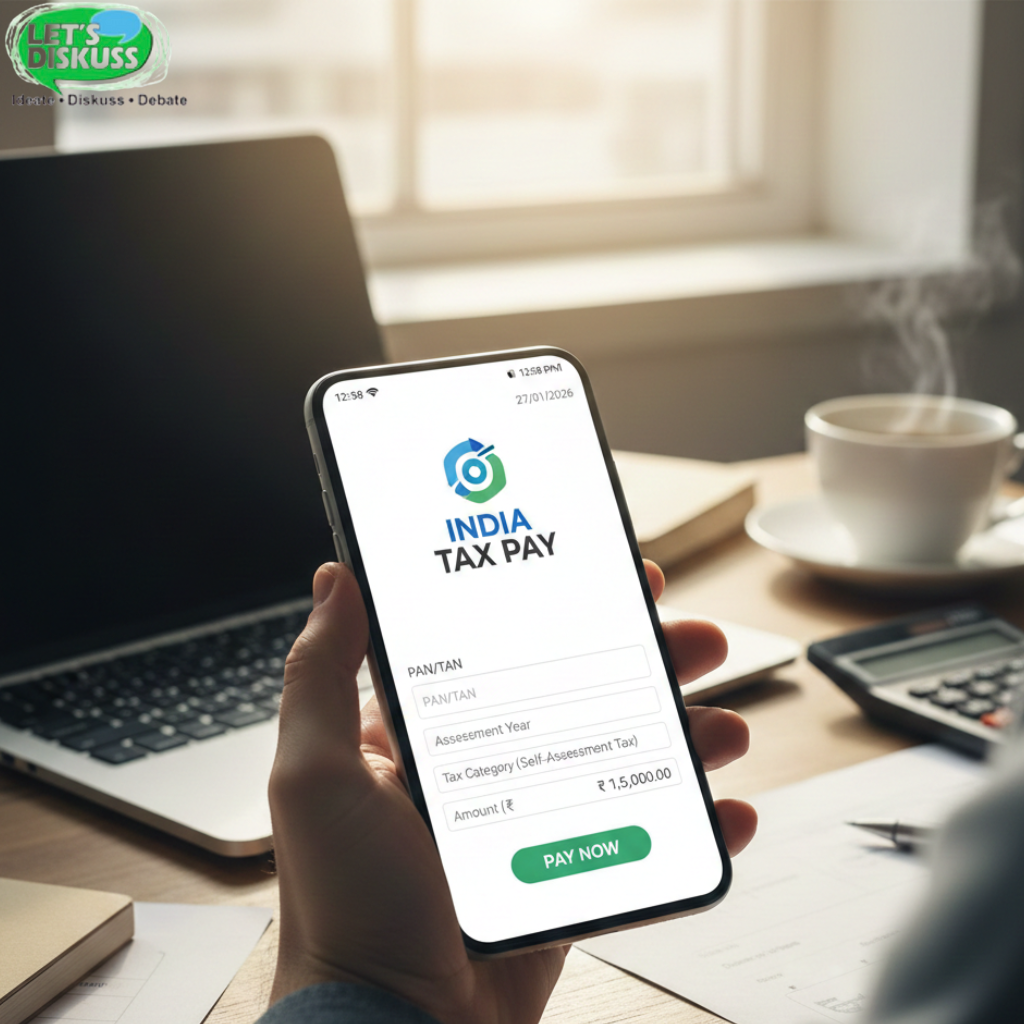
To check your income tax payment status, log in to the Income Tax e-Filing portal, open e-Pay Tax, view your Payment History, verify that the payment is marked as successful, download the challan and keep it for future reference.
Log In
If you've just paid your income tax, there's a good chance you're not looking at the portal out of curiosity.
You're trying to answer one question.
"Did my payment actually reach the Income Tax Department?"
Instead of waiting for an email or checking your bank statement again and again, log in to the Income Tax e-Filing portal.
Once you're inside your account, you'll find everything related to your tax payments in one place.
Open e-Pay Tax
Now head to e-Pay Tax.
You don't need to explore every menu on the portal. You're only looking for the section that keeps a record of your payments.
The portal's design changes occasionally, so if things look a little different from an old tutorial, don't assume you're on the wrong page. Just look for e-Pay Tax or Payment History.
View Payment History
This is the page most people are actually searching for.
Here you'll usually find details like:
Challan number
Payment date
Amount paid
Assessment Year
Payment mode
Current status
If you've made the payment only a few minutes ago and don't see it yet, I'd wait a little before assuming something went wrong. Sometimes banks and government systems simply need time to sync.
Verify Status
Don't stop after finding your payment.
Open it once and look at the details.
Is the status showing Successful or Completed?
Does the amount match what you paid?
Did you choose the correct Assessment Year?
I've seen people notice mistakes only while filing their ITR months later, when fixing them becomes much more frustrating.
Spending one extra minute here can save a lot of trouble later.
Download Challan
Once everything looks right, download the challan.
Not because you'll need it tomorrow.
Because six months from now, when you're filing your return or trying to remember a transaction, you'll be glad you kept it.
I usually save one copy on my laptop and another in cloud storage. Finding it later becomes much easier.
Keep Records
After that, you're done.
Just keep your challan, transaction reference number and payment confirmation somewhere you won't have to search for them later.
Tax documents have a habit of becoming important on the exact day you can't find them.
FAQs
My payment isn't showing yet. Should I be worried?
Not immediately. If you've paid recently, give the system a little time. Payment records aren't always updated the moment the transaction is completed.
I can see my payment, but what should I check?
Look beyond the status. Make sure the amount, PAN and Assessment Year are all correct. That's what usually matters later while filing your return.
Should I download the challan even if everything looks fine?
I'd recommend it. You may not need it today, but if there's ever a mismatch or you need proof of payment, having the challan already saved makes life much easier.
What if my payment still shows as pending?
Wait for some time first. If the status doesn't change even after a reasonable period, contact your bank or raise a request through the Income Tax portal.
Do I really need to keep tax payment records?
Yes. The future you will almost certainly appreciate it. A saved challan and payment receipt can save a lot of unnecessary searching during ITR filing.
Must Read: How can I pay income tax online in India?