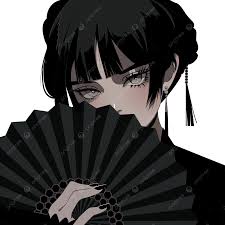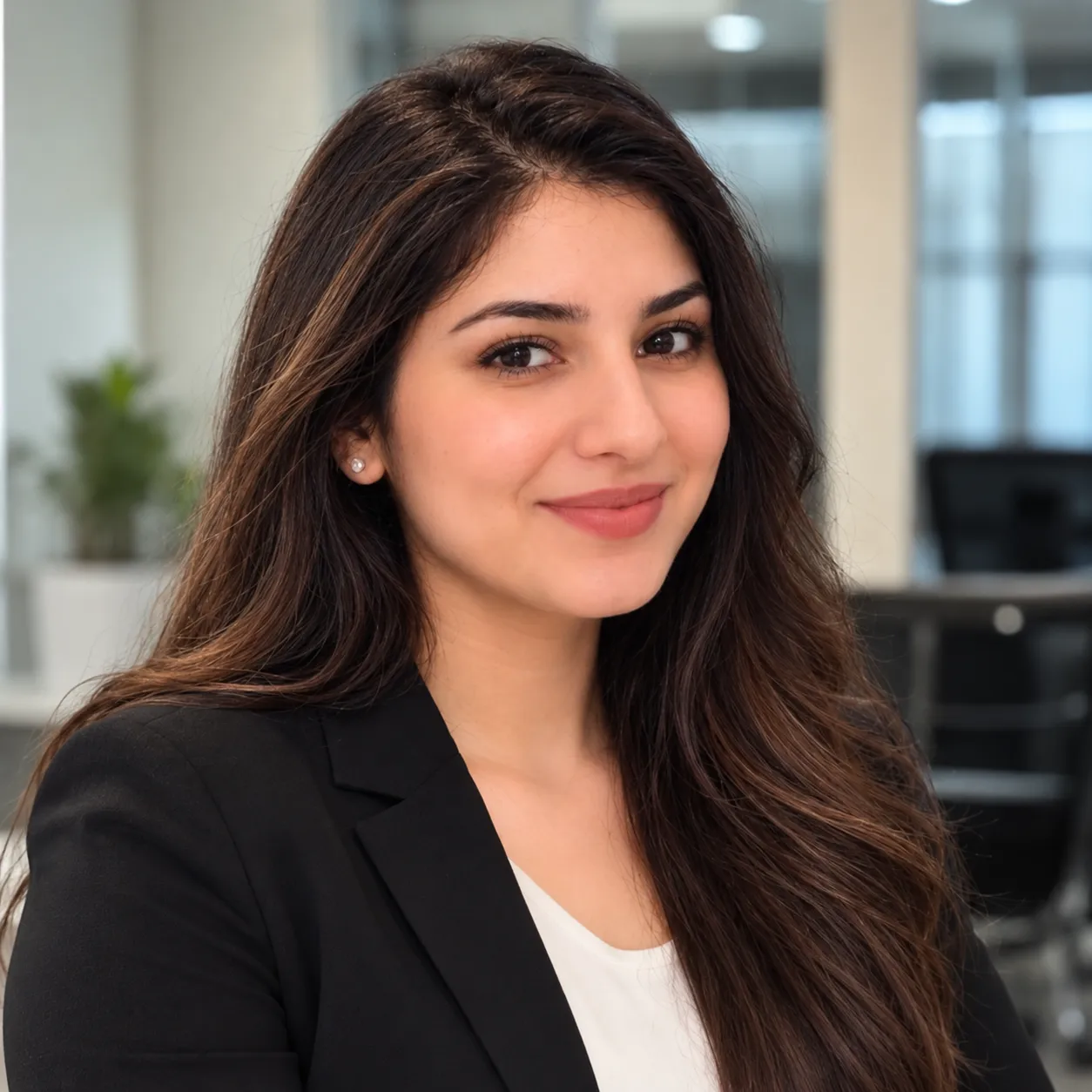
Slow motion can make an ordinary moment feel intimate, reflective, and cinematic! Emotional depth can be added with a floating petal, a moving curtain, or a subtle change in sunlight. AI-generated animation differs from traditional slow motion, which slows down recorded videos, by creating the movement from a single photo. Dreamina AI takes reference images and creates dynamic clips from them via text prompts and the video-generation controls. Portrait, fashion photography, nature, product display, and artistic still life are all possible animation styles. The aim is to have controlled movement to retain the photographic quality of the image and to add a dreamlike quality.
Understand What Creates a Slow-Motion Feeling
When creating a convincing slow-motion effect, you need to use a deliberate pace, minimal movement, and visual focus. Slow motion is a traditional method of lengthening action by using the recorded video and frame-rate techniques. AI-generated motion, however, generates new frames based on a photo and the written instructions, with an interpretation of the subject and surroundings. With Dreamina AI image to video generator workflows enable the conversion of static compositions into animated scenes, providing a level of creative control. Familiar objects can be expressive with gentle movement of hair, fabric, water, or petals. But if complicated actions are used, there can be distortions, as one photo cannot show all of the hidden details. Match the movement to the original composition and the emotional tone for more coherent results.
Select Still Images With Room for Subtle Movement
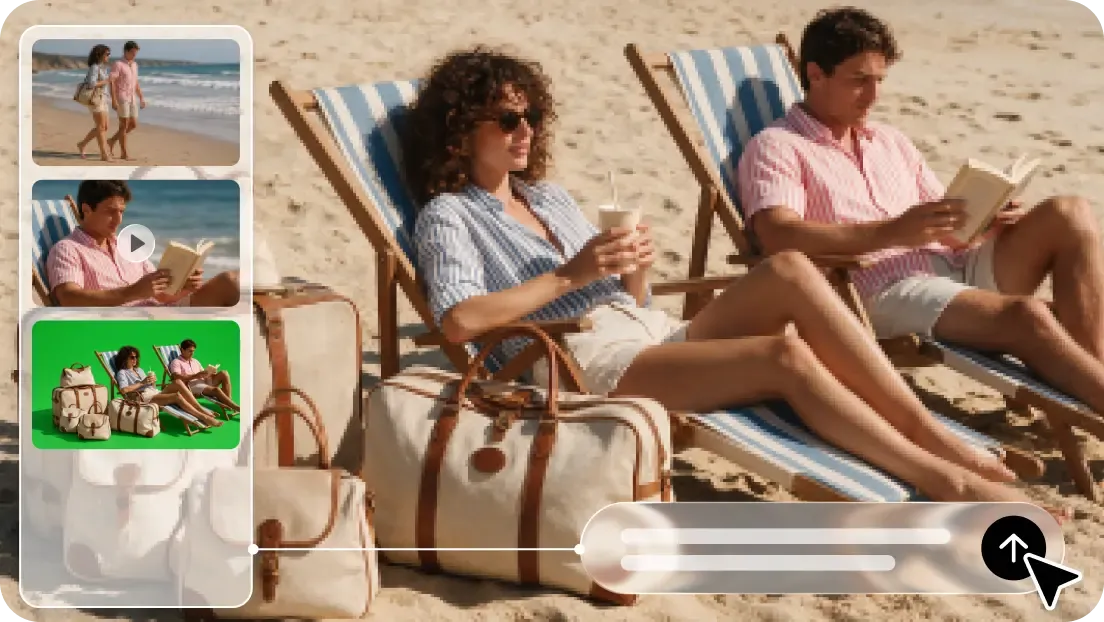
Select images that have a well-defined subject and an uncluttered background. Natural opportunities for animation include flowing dresses, loose hair, leafy branches, reflective water, and atmospheric lighting. Movement is also visually understandable due to clean contours and visible separation between subject and background. When there are a lot of people, it can be harder to animate them consistently, as well as when there's little detail and when body parts are hidden. Keep the original photo to check the face, texture, and positions of objects after generation. Gentle hair movement or camera drift can help with portraits, and restrained lighting changes and minimal perspective shifts can help with product shots. These options are useful for Dreamina AI to produce movement without altering significant visual details.
Six Motion Ideas for a Dreamy Visual Style
Floating fabric: Take a dress or curtain and wave it in the wind, but make sure to maintain its form. Don't use strong gusts that blow out the subject or cause distracting distortions.
Falling petals: Add a few floating petals for soft motion and depth in the picture. Use consistent backgrounds to make sure the petals are the main part of the picture.
Soft hair movement: Ask for a light movement of the hair that moves naturally. Look for any facial changes, haircuts, or changes in identity.
Water ripples: Create subtle ripples over a lake, pool, or reflective surface. Check for warped shapes and details in reflections between shots.
Passing light: Talk about how light changes over the current scene. Avoid distracting color changes and brightness changes.
Gradual camera drift: Ask for a slight push-in or sideways move to highlight the subject. Do not use aggressive camera moves that create lots and lots of information that is not in the original photograph.
Steps to Craft Dreamy Slow-Motion Clips From Stills With Image to Video
Step 1: Upload your still and write a slow-motion prompt
Sign up or log in to Dreamina, then add the still image you love.
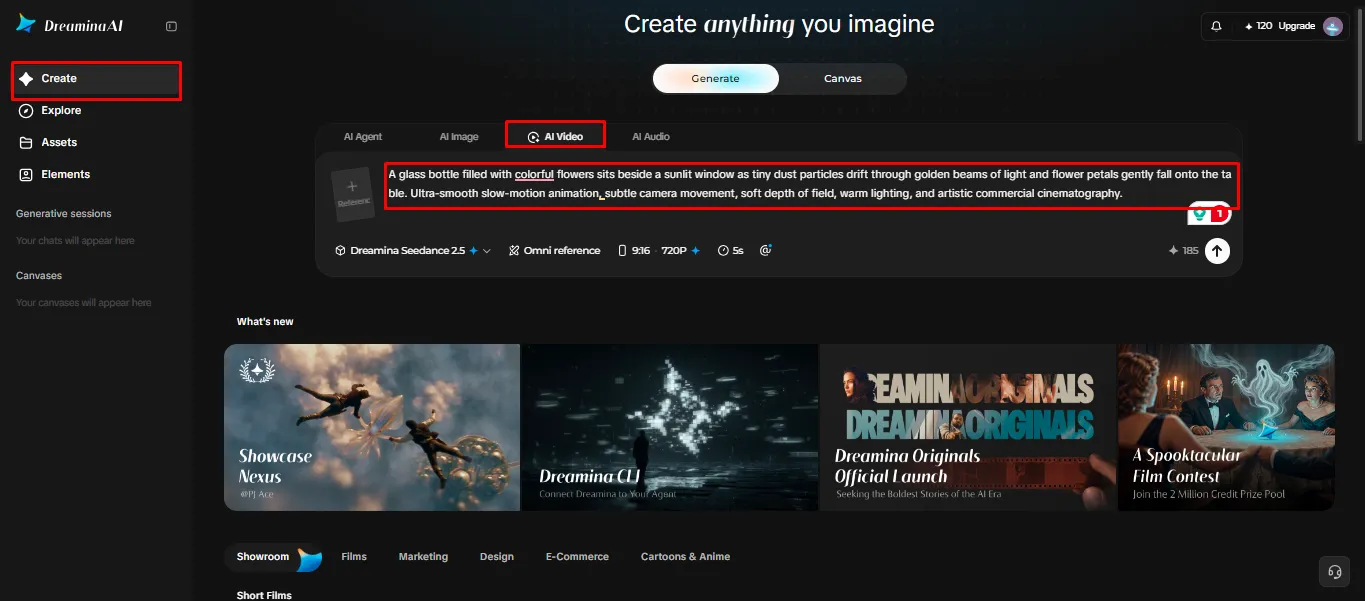
Go to the "Create" tab in the left menu and choose the "AI video" option.
Enter a detailed text prompt describing the soft, floating mood you want. Include video elements, theme, and concept, like drifting petals, glowing haze, or gentle hair movement.
Step 2: Choose a model, adjust settings, and generate
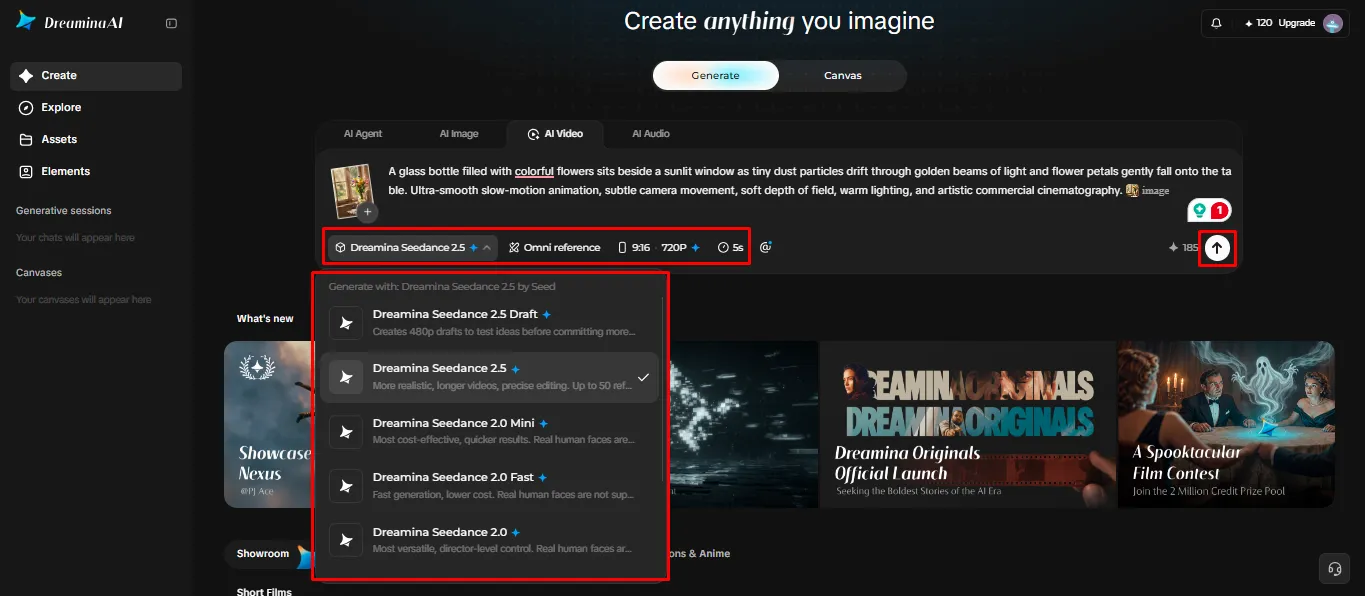
Pick a model from the choices at the bottom of the dialogue box.
You can select Dreamina Seedance 2.5, Dreamina Seedance 2.0, Dreamina Seedance 2.0 Fast, Dreamina Seedance 2.0 Mini, Dreamina Seedance 1.0, and so on.
Click "Omni reference" to steer the AI with multiple images for a more faithful dreamy look.
Set your own frame size and quality in the "Aspect ratio" and "Resolution" tabs.
Now click the "Generate" tab to begin your slow-motion creation.
Step 3: Perfect the mood and export your clip
If the mood feels off, use "Edit prompt" or "Regenerate" to refine it.
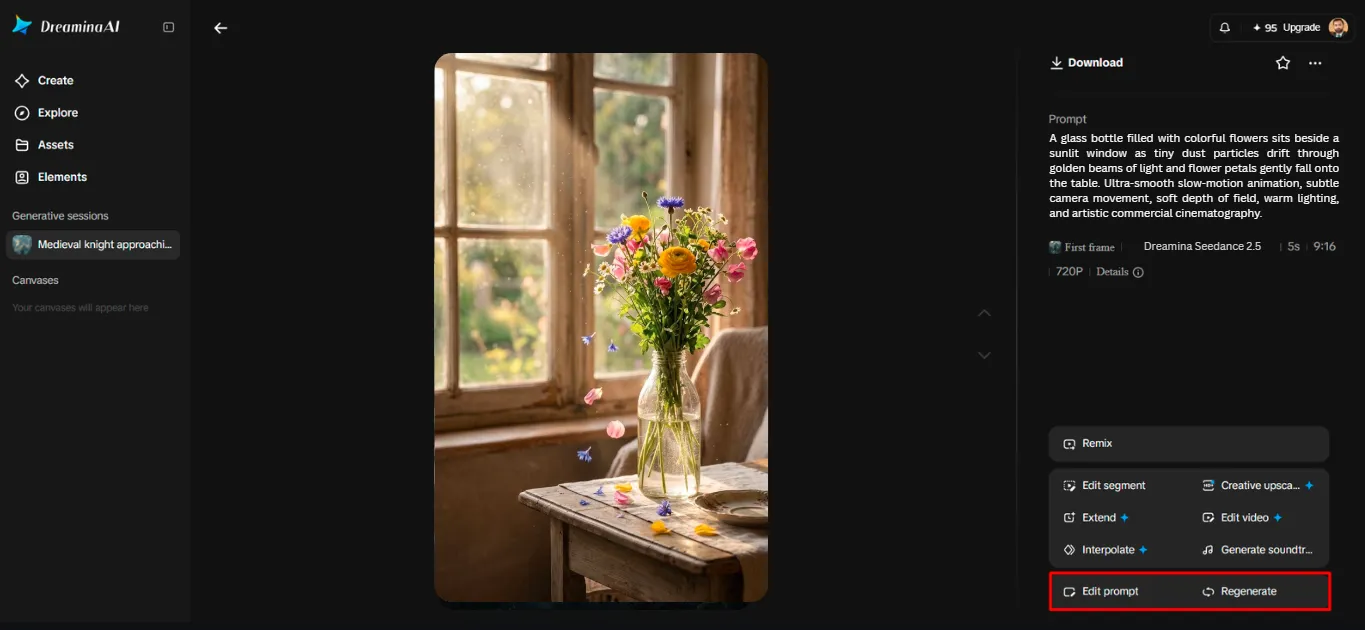
Adjust the generated clip further through the "Edit video" option.
Pick "Edit segment" to rework only one moment of the slow-motion flow.
Make the dream last longer with "Extend video", or sharpen it using "Creative upscale".
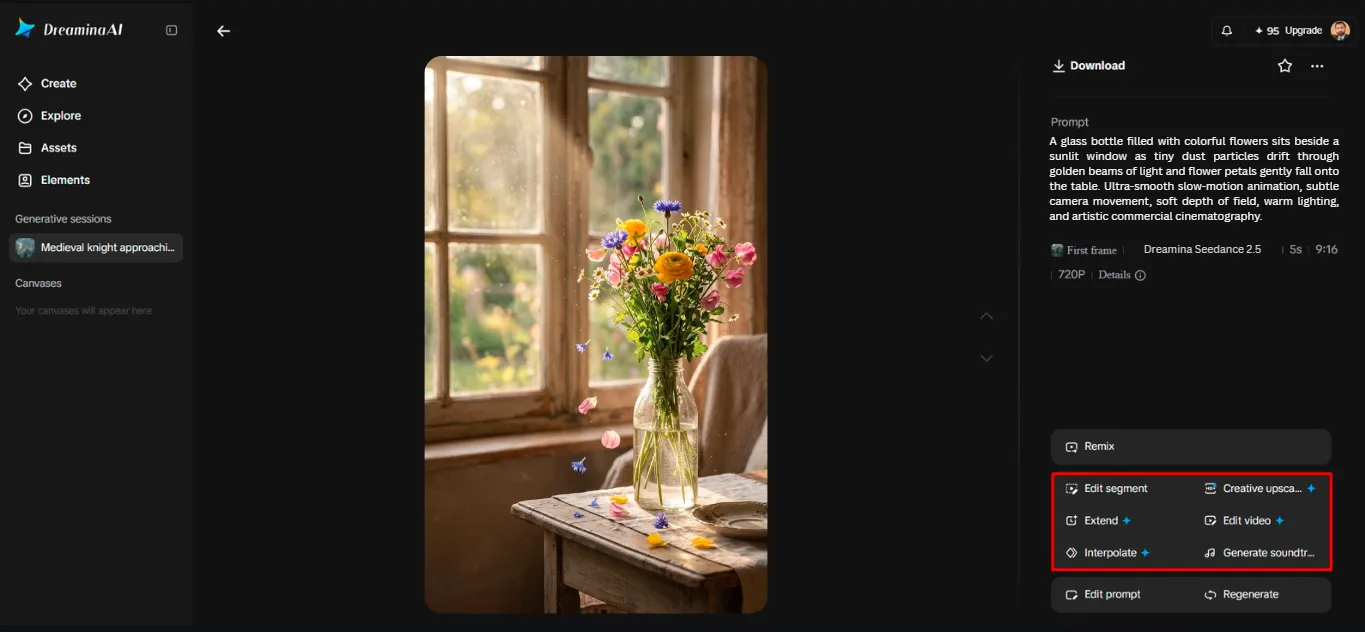
Dreamina hands you complete freedom to edit the video exactly as you like.
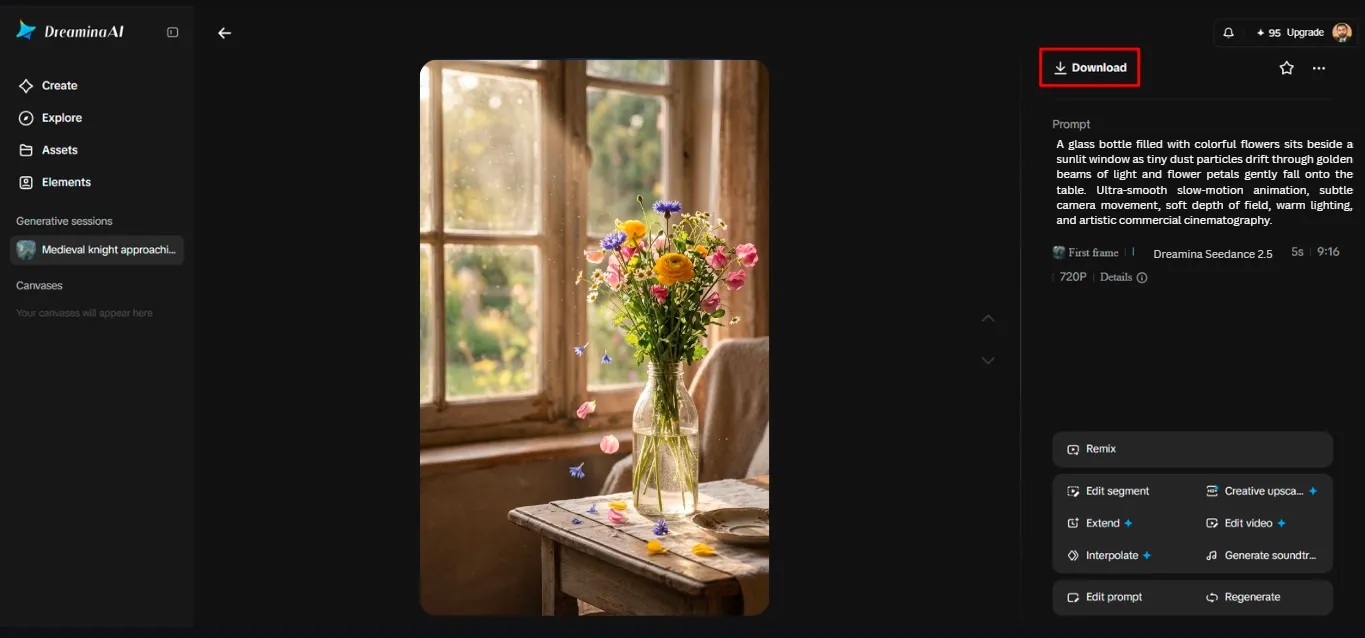
Finish by clicking the "Download" tab at the top right to save your clip.
Write Prompts That Control Pace Without Overloading the Scene
Start with one main action and don't move everything at once. Use precise and consistent language to describe the speed, direction, and range of motion. For instance, ask for a portrait of stationary scenery with an airy head of hair. Indicate if the camera should be locked, move in slowly, or move slightly to the side. Add continuity cues for face, clothing, size, and props. Refrain from giving conflicting instructions (e.g., total stillness and fast motion). Make comparisons between prompt variations and keep the one with the most coherent motion. Dreamina AI's Seedance models can be used for reference-based generation, with the actual outcomes varying based on the image and instructions.
Shape the Dreamy Mood With Composition and Sound
There is a reflective visual atmosphere with soft lighting, limited contrast, negative space, and consistent colours. Maintain the subject as the main focus but leave some room around the subject to support the composition. The ambient sound, or appropriate soundtrack, can enhance the mood without drowning out the visuals. The type of generation and editing workflow determines the audio tools that will be available. Ensure that transitions are controlled and not overpowering a subtle movement with additional effects. The length of the clip is also important, as a long repetition can dilute a stark visual moment. Select a length that lets the movement flow and not get lost.
Review Motion Quality Before Sharing the Clip
View the whole clip at normal speed and judge the flow and impact of the clip. Look for movement, luminous edges, unnatural movement, and changes in the subject's appearance. Check the video against the photo to look for any details that have been invented or for any textures that have been altered. Special attention must be given to reflections, hands, facial details, and clothing lines. Check the aspect ratio and resolution before posting to the platform you are using. Ensure that the original photo and exported video are well labelled in your project files. With care, it can be discerned whether it has been an artistic move or a generation error that distracts.
Conclusion
The first step to dreamy animated photography is to have the right pictures, the right prompts, and the right quality checks. Dreamina AI offers the creative tools for converting photos into highly dynamic movie scenes. Don't require much animation at first; start with one thing you're able to see and then add more to it. Include movement, atmosphere, or sound effects only if they enhance the composition. This careful approach allows for the retention of the original image's character while also offering a more immersive visual experience.