If you've scrolled through YouTube Shorts, Instagram, or even your own Google Photos app lately, you've probably noticed something: a lot of video looks a little too smooth, a little too perfect. That's not an accident. Google has spent the last two years quietly turning AI video generation from a party trick into something baked into products you already use every day.
This isn't a niche experiment anymore. It's showing up in Gemini, in Google Photos, in YouTube Create, and even in third-party browsers through partnerships. And the pace of updates in just the last few months has been hard to keep up with.
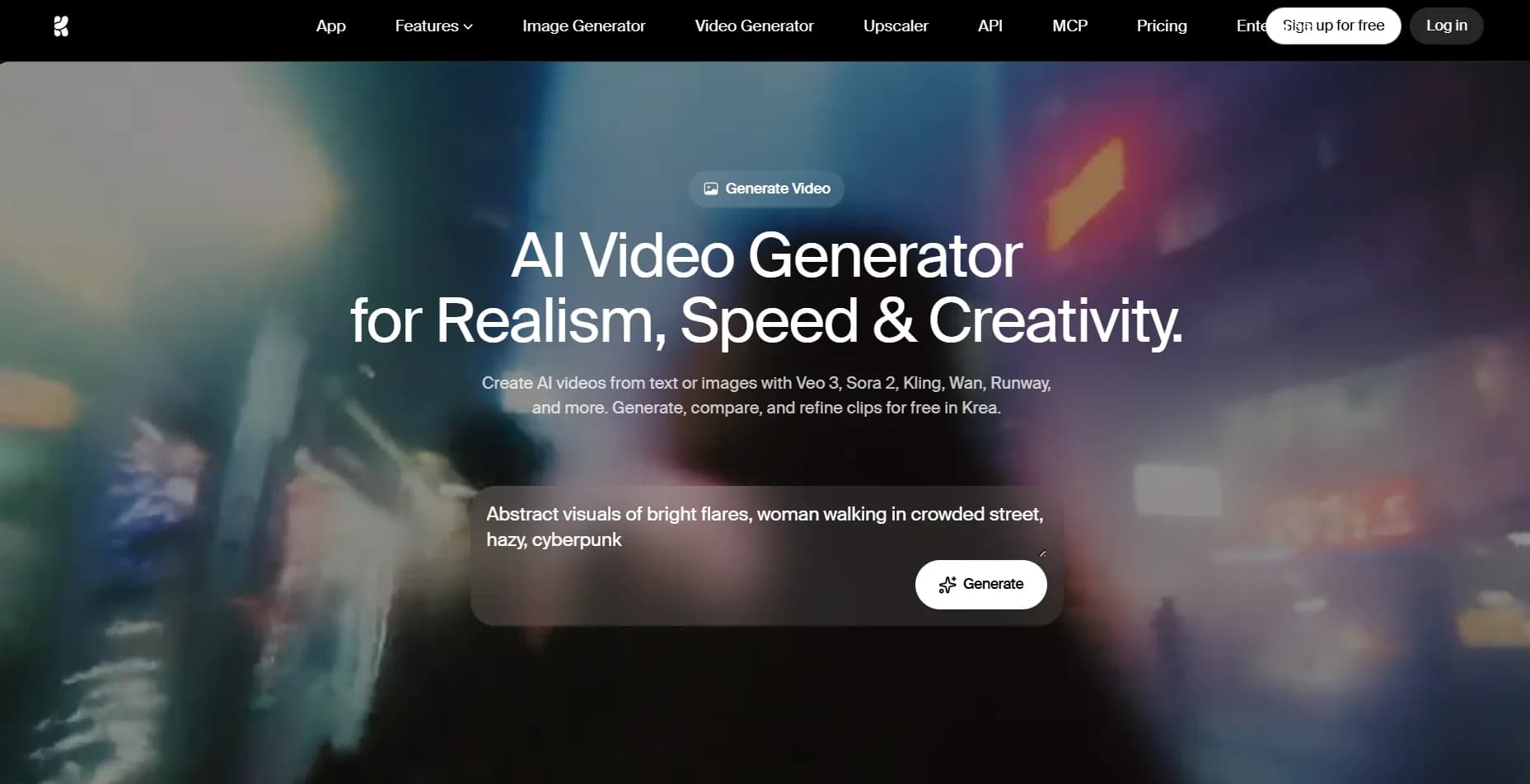
If typing a detailed prompt and waiting for a render feels like overkill for a quick clip, tools built purely for speed, like Seedance free, cover that gap without asking you to learn camera-movement vocabulary first.
Why Everyone Is Suddenly Talking About This
A year ago, AI video was mostly a curiosity — short, glitchy clips that looked impressive for five seconds before something went wrong with a hand or a shadow. That's changed fast. Google's Veo models have gone through several jumps in quality, and the most recent major one, Veo 3, added something people had been asking for since day one: sound. Not just background noise, but dialogue, sound effects, and ambient audio that actually matches what's happening on screen.
Put plainly, you no longer have to imagine what the video would sound like — it just comes with sound built in.
On top of that, Google keeps folding these tools into places you already spend time. Google Photos can now animate your old still images. Gemini can turn a text prompt into a short clip. YouTube Shorts creators can generate footage directly inside the app they're already using to publish. None of this requires you to open a separate specialized tool or learn new software from scratch.
What Changed With the Latest Update
The most recent Veo 3.1 update, rolled out in January 2026, focused on two things: vertical video and consistency.
Vertical Video, Finally
For a long time, AI video tools defaulted to landscape output, which meant anyone making content for Shorts, Reels, or TikTok had to crop, pad, or awkwardly reformat everything afterward. Now, Veo 3.1 can generate native 9:16 vertical video straight from reference images, so there's no cropping step needed before you post it. That sounds small, but if you've ever tried to squeeze a landscape clip into a vertical feed, you know how much time that saves.
Better Consistency With Reference Images
The second piece is arguably more interesting. Google added a feature sometimes called "Ingredients to Video," where you can feed the model up to three reference images — a character, a background, a texture — and it builds a video around them while sticking closer to what you actually gave it. Earlier versions of these tools were notorious for changing a character's face or outfit halfway through a clip. This update is meant to fix that, along with adding higher-resolution upscaling on the output.
If your workflow depends on keeping a character or product looking the same across multiple clips, that consistency upgrade matters more than any single flashy demo. It's also the exact gap that a tool like Seedance 2.5 aims to close from a different angle, focusing on prompt accuracy and character continuity across scenes rather than just raw visual polish.
Where You Can Actually Try This
You don't need a developer account or a research invite to touch any of this anymore. Here's where it shows up:
Gemini app – available on paid plans, with a daily generation limit
Google Photos – a lighter, free version that animates your existing photos, though without audio and with shorter clips
YouTube Create / Shorts – built directly into the upload and editing flow
Whisk – Google's image tool, which can turn a generated image into a short video clip
Access levels differ depending on which product you're using, and the free tiers tend to cap you at a handful of generations a day, shorter clip lengths, or lower resolution than the paid plans.
The Catch: Cost, Limits, and Waiting
None of this is unlimited. On Gemini's paid plans, you're still capped at a small number of video creations per day, and every clip carries a visible and invisible watermark identifying it as AI-generated. Google Photos' free version skips some of that watermark conversation but drops audio entirely and shortens clip length to a few seconds.
So if you just want to test an idea, animate a photo for fun, or mock up a concept quickly, the free consumer tools are genuinely useful. But if you're trying to produce something longer, with audio, at higher resolution, and without daily caps, you're looking at a subscription — and even then, generation queues can slow you down during peak hours.
What This Means for You
The honest takeaway is that Google's AI video tools have moved from "impressive demo" to "actually usable," but they're still built around Google's own ecosystem and pricing tiers. If you already live inside Gemini, Photos, or YouTube, you'll notice these features arriving naturally, almost without announcement. If you're outside that ecosystem, or you want faster turnaround without subscription gates, that's exactly the space independent tools have grown into — letting you generate a clip in a few taps rather than navigating plan tiers.
Either way, the underlying shift is real: video that used to take a camera, a cast, and an editing suite can now start with a sentence and a few reference images. Whether that excites you or makes you a little uneasy probably depends on what you make for a living — but it's not going away, and the tools are only getting easier to use from here.