Want to create videos that will instantly grab the attention of your viewers?
Social media platforms are the main sources that tell people about your brand and product. Video content nowadays generates the most trust among customers.
Now, imagine that you can create your video by simply providing text, and AI will turn it into a ready-to-use video in the shortest amount of time.
Are you intrigued? Then let’s dive deeper and learn more about top text-to-video generators and some advantages they offer.
What to Look for in a Text-to-Video Generator
When choosing a text-to-video generator, it’s important to pay attention to its prompt adherence and consistency.
Here are some of the essential factors that we paid attention to while creating this list:
Make sure the tool follows the prompt you provided and your detailed instructions.
You should have control to choose the angle, shot type, and movement.
Look for a tool that provides high-resolution videos.
Choose a tool that works fast and will help you save time.
Now, let’s move on and view some text-to-video generators one by one.
Simple Overview Chart
Tool | Does it have a Free Tier? | Max Video Length | Best For |
|---|---|---|---|
Krea.ai | Yes, 100 compute units per day | Standard: 5 to 12 seconds Advanced Models: for longer clips (1-10 minutes), you need advanced modes with 1000 compute credits | Content creators, marketers, independent designers |
Pixlr | Yes (exact credit amount was not clear) | 5 seconds | Social media managers, content creators |
Synthesia | Yes, up to 10 minutes of video per month | For longer videos up to 4 hours | Marketing teams and corporate training |
3 Best AI Tools for Text-to-Video Creation
Krea.ai
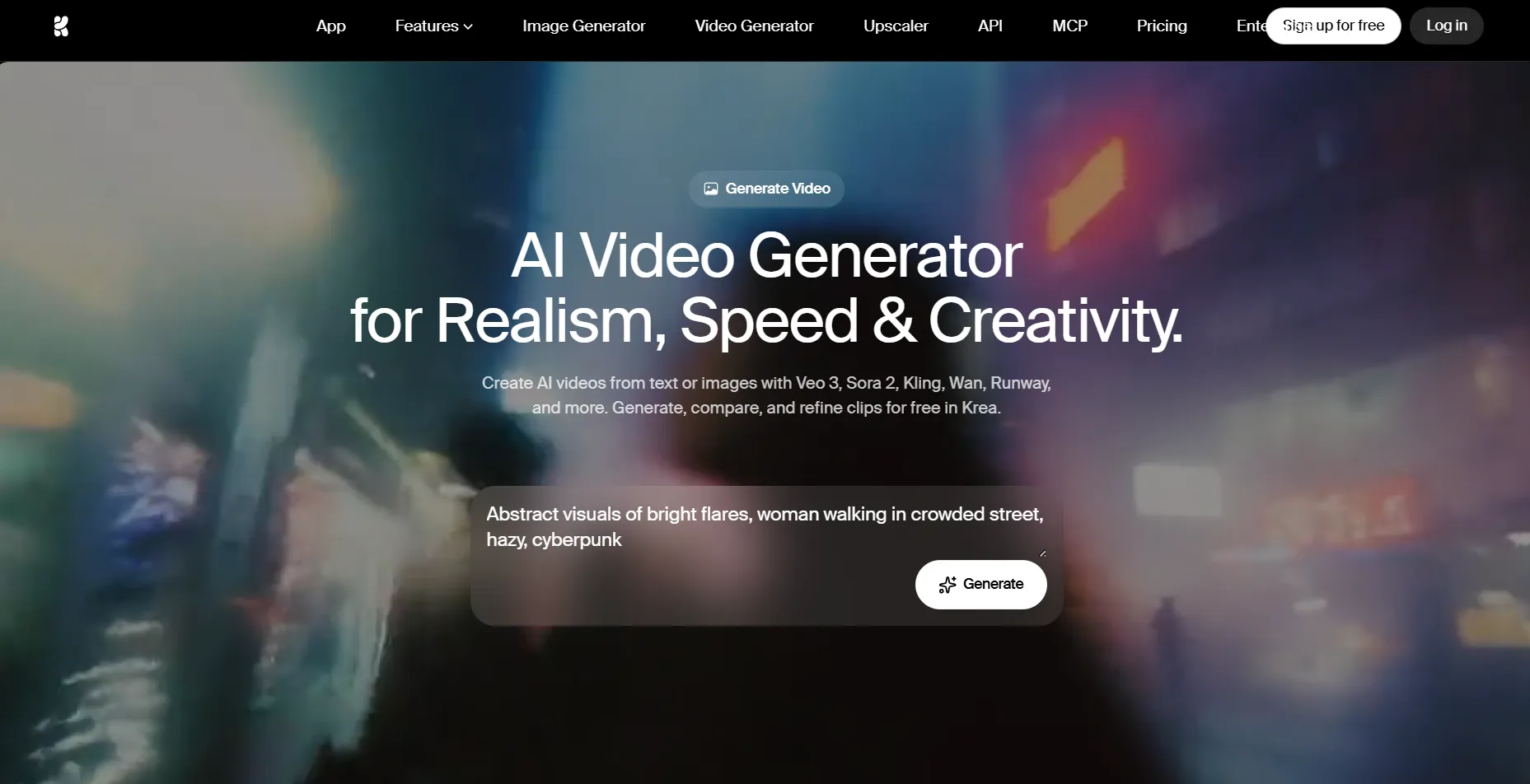
Krea.ai is a creative design platform allowing its users to turn text prompts into short clips that will grab the attention of users. You can generate, compare, and refine clips while using the same platform.
Key Highlights
You can add your text prompt and turn it into professional video content in just a few seconds. Describe everything you want to see in a video and get the most personalised outcome.
You can even provide an image and animate it, which will help to maintain the style you aim for.
On Krea, users can extend the scenes and even merge a few video clips.
Users have an opportunity to guide the shot choice, when it begins and ends, and how it resolves.
You can add sound to your video, synchronise it, add dialogue, and generate sound effects that match the atmosphere.
The tool provides a platform for generating multiple videos at the same time and saves time in the production process.
You can generate with and compare different AI models, including Veo 3.1, Sora 2, Kling, and Runway, to choose the one you like the most.
On Krea, you can create videos for e-commerce, social media content, marketing and ads, and even films and storytelling.
Krea is one of the best AI text-to-video generators since it provides a unified platform for video creation and editing, and is perfect for various business types.
Pixlr
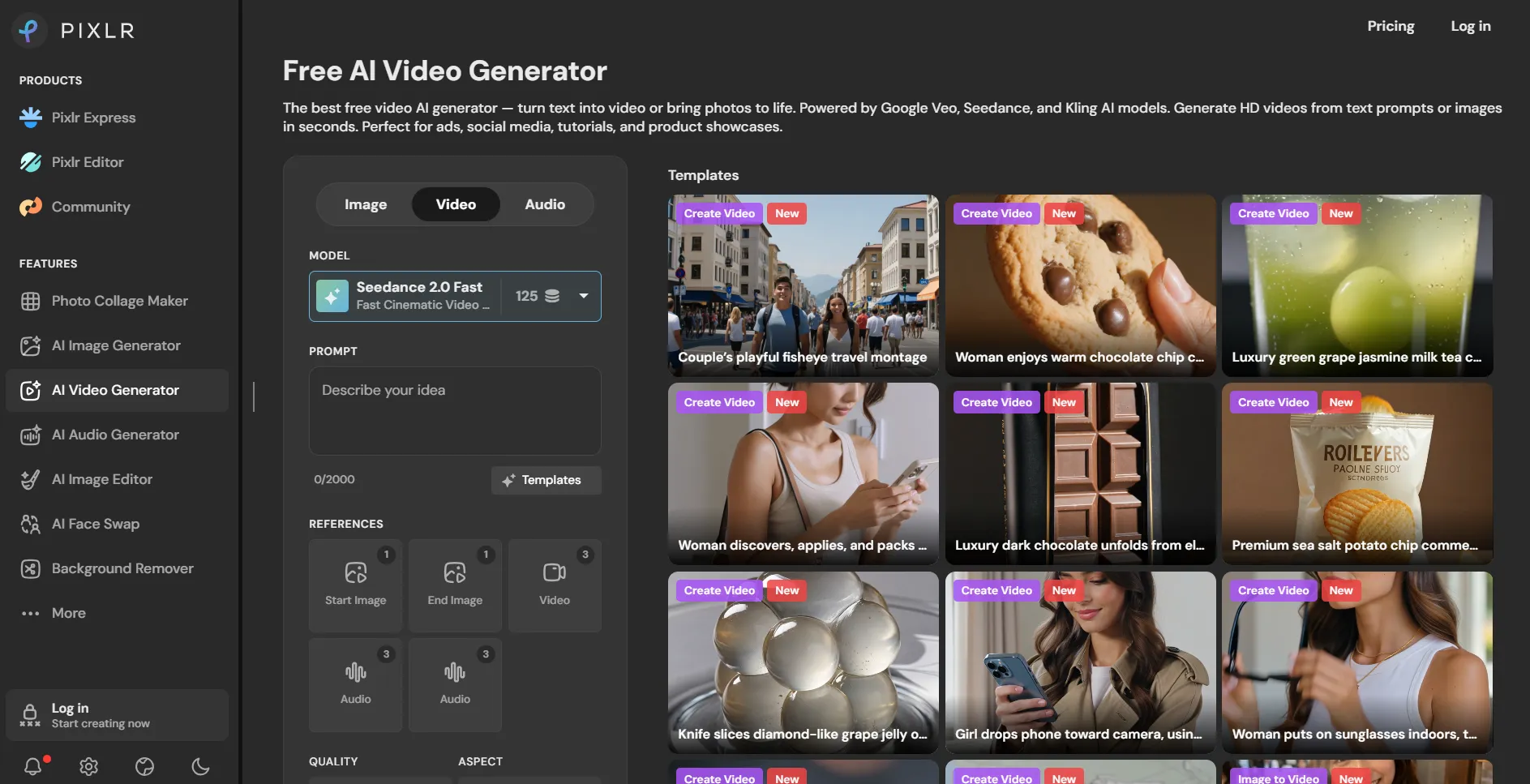
Pixlr is an AI video generator that helps to turn simple descriptions into short clips that are great for social media platforms and product showcases.
Key Highlights
Simply type a scene description as detailed as possible and let AI generate a video that you can use for marketing purposes or simply post as a tutorial.
You can experiment with different AI models like Google Veo, Kling, Seedance, and choose the one that provides the video you are looking for.
Generated videos by Pixlr can be exported in a clean HD MP4 file, and you can even choose a landscape based on the platform you are aiming to post it to.
You can even upload an image, and the tool will animate it the way you like. This is especially good if you need an exact product or character involved in the video.
Pixlr is an interesting AI text-to-video generator helping to quickly create videos for ads without requiring any filming or editing skills.
Synthesia
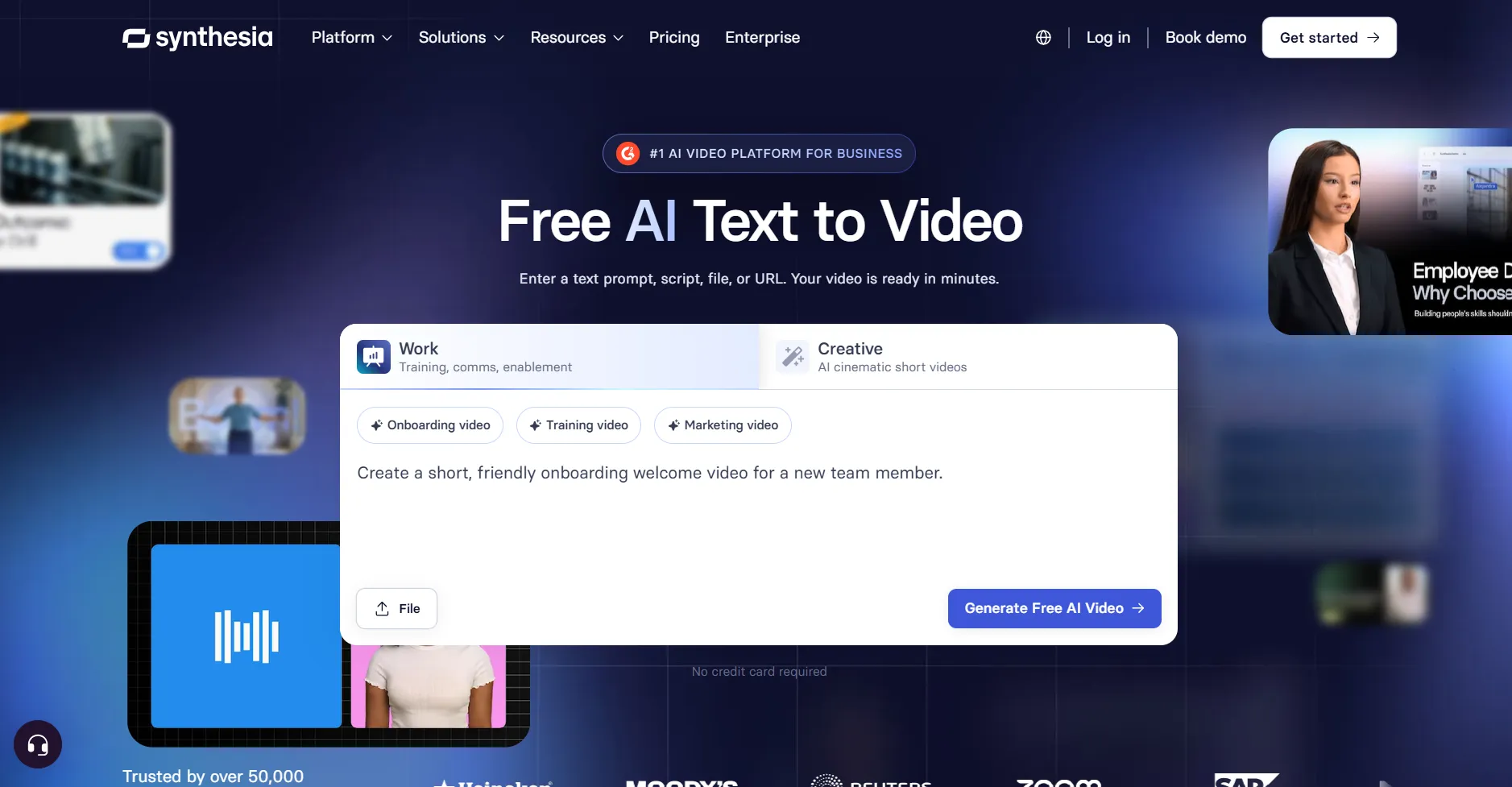
Synthesia is another AI-powered tool that is designed to generate videos from written scripts quickly and without much effort.
Key Highlights
By providing a prompt, you can get professional AI videos for any theme or field.
You can customize the video, edit the script, add voice, and generate new visuals to create custom scenes that match the overall aesthetics of your brand.
You can choose an avatar, customize it, and add your prompt to create a natural video with realistic backgrounds and characters.
You can generate voiceover in 160+ languages to match your original script.
Synthesia is an AI text-to-video tool that helps you create interesting videos that will be easily editable and match your main goal.
The Main Takeaway
Creating video content for your social media pages has become easy and affordable with the help of different text-to-video generators.
On these platforms, you can add characters, sound effects, voiceover, and edit the video to match the brand aesthetics and visuals. What’s even better, these tools are easy to use, so you do not need any complex design skills to work with them.
Ready to get started? Choose the tool that most grabbed your attention and start creating your content easily and quickly.
FAQ
Can I use my own images in a text-to-video generator?
Yes, many tools allow you to enter your preferred images or references to guide the visual style of the video.
Are these tools Free?
Many of the tools provide free trials, allowing you to try the features and then decide whether you want to pay for advanced mode or not.
Can I use the videos for commercial purposes?
Yes, most of the tools allow you to use the videos for marketing purposes, but you need to check if there are any copyright restrictions.