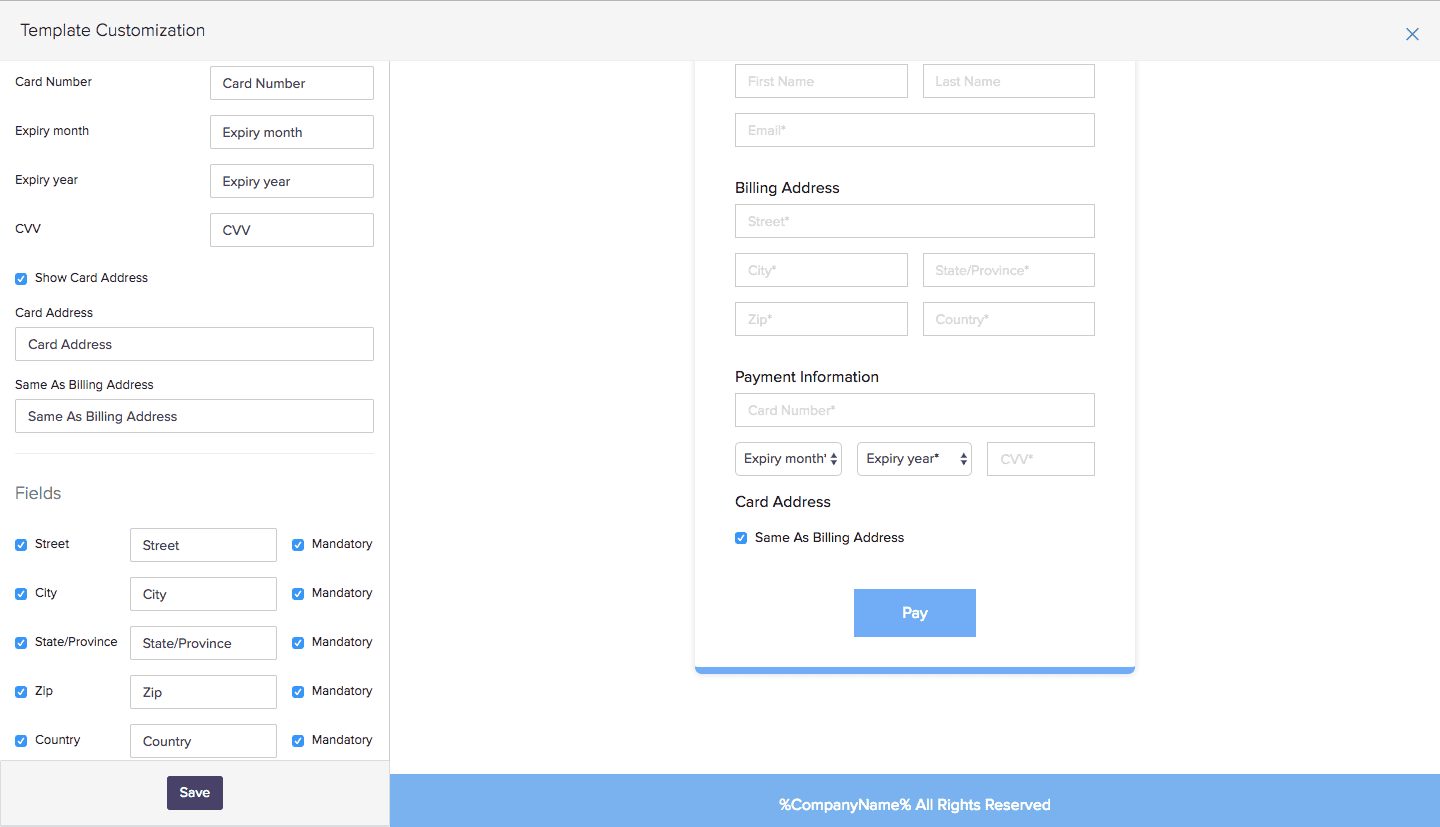
A billing ZIP code is the five- or nine-digit postal code tied directly to the registered billing address of a specific credit, debit, or charge card. Financial institutions use this code during the Address Verification System (AVS) check to cross-reference the numeric data provided at checkout with the data on file with the card issuer. It serves as a primary security layer to verify card ownership and prevent card-not-present (CNP) fraud during online, telephonic, or automated point-of-sale transactions.
From what I’ve observed managing e-commerce checkout funnels, the billing ZIP code is often the single point of failure for legitimate international transactions. Many users confuse their current physical location or shipping address with the static billing address tied to their bank account. When a merchant gateway initiates an AVS check, a mismatch between the entered ZIP code and the bank's records triggers a hard decline or a temporary authorization hold on the user's card, even if the funds are available.
-
The International Postal Code Mismatch: Automated systems like gas station pumps or US-based SaaS checkouts often require a 5-digit numeric ZIP code. If you use an international card with alphanumeric postal codes (like the UK or Canada), the system will reject it. A common workaround for Canadian cards at US gas pumps is to take the three digits from the postal code and add two zeros (e.g., M5V 2T6 becomes 52600).
-
The Delayed Update Bottleneck: When you change your address in your banking portal via Profile → Contact Information → Manage Addresses, the update to the AVS database is not instantaneous. It typically takes 24 to 48 hours for the issuer's authorization network to sync. Attempting a purchase during this window using the new ZIP code will frequently result in an AVS decline.
-
The Gift Card Default: Visa, Mastercard, and American Express prepaid gift cards bought in retail stores do not have a billing ZIP code attached out of the box. To use them online, you must first log into the URL listed on the back of the card and navigate to Register Card or Edit Billing Address to assign a ZIP code.
How to Find and Verify Your Billing ZIP Code
Step 1: Open your financial institution's mobile app or desktop portal.
Step 2: Navigate to the specific card account and locate your latest monthly statement PDF via Statements & Documents → View Statements.
Step 3: Check the mailing address printed at the top left or top right of the actual statement document. The ZIP code listed there is your official billing ZIP code.
AVS Response Codes and Merchant Outcomes
The Address Verification System returns specific one-letter codes to the merchant gateway during a transaction. Understanding these helps diagnose checkout errors:
| AVS Code | Meaning | Transaction Outcome |
| Y | Street address and ZIP code match | Approved (Standard Risk) |
| Z | 5-digit ZIP code matches; Street address does not | Conditional (Depends on merchant risk rules) |
| A | Street address matches; ZIP code does not | Frequently Declined (High fraud risk) |
| N | Neither street address nor ZIP code matches | Hard Decline |
For official regulatory guidelines on electronic fund transfers and address data management, refer to the Consumer Financial Protection Bureau at consumerfinance.gov.
Read also: difference between a postal code and a zip code